
What is Digital Screen Strain and How Do You Prevent It
Explore essential habits and adjustments to protect your vision in an increasingly screen-dominated world




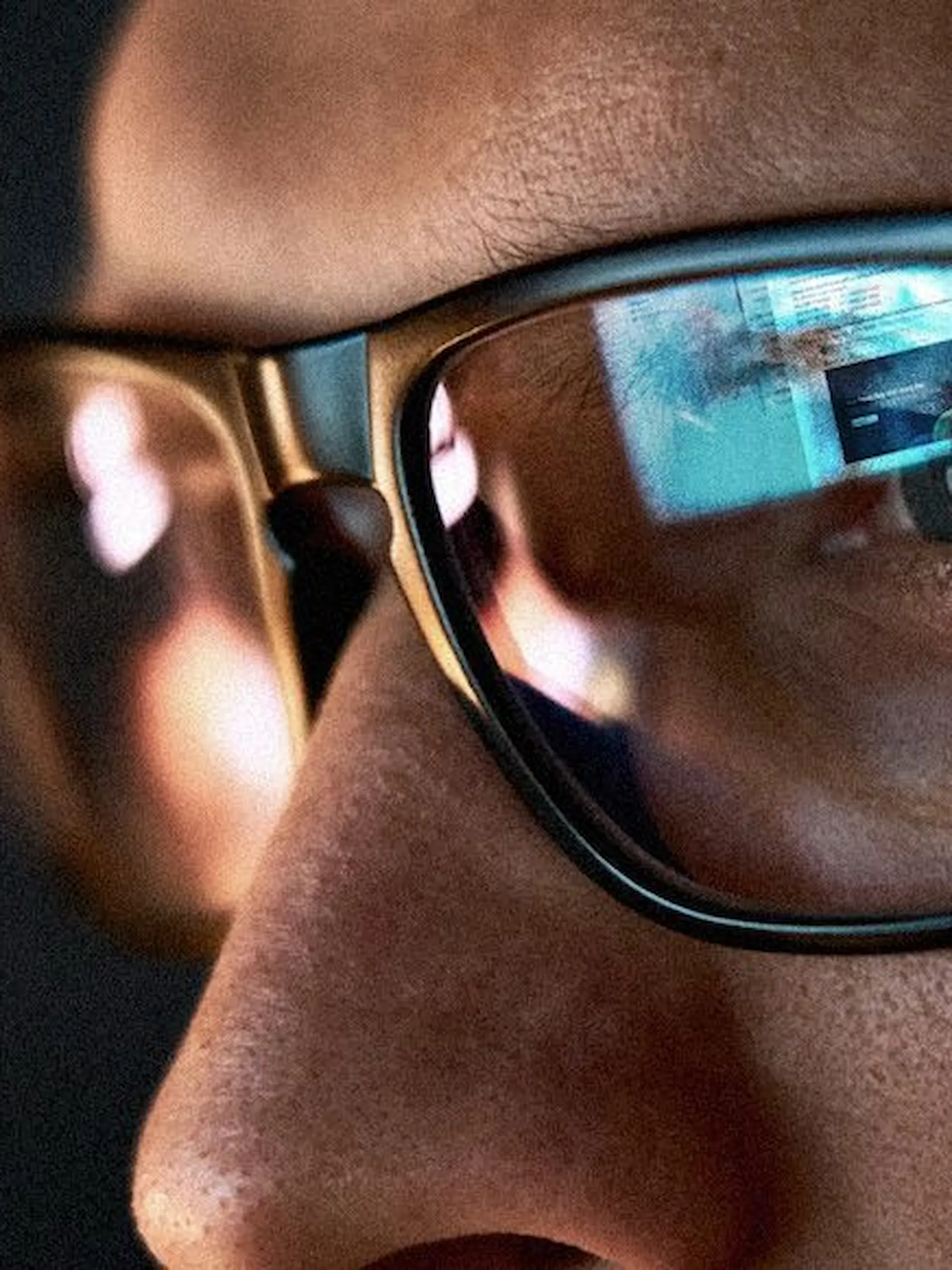
- Prolonged screen time can lead to computer vision syndrome, which can cause strain, dryness, fatigue, and blurred vision.
- Taking regular, structured breaks is the simplest and most effective way to ease ocular muscle tension.
- Proper workspace lighting and display settings drastically reduce the glare that forces your eyes to overwork.
- Utilizing digital filters and specialized lenses can help minimize sleep disruption and high-energy visible light exposure.
- Regular comprehensive exams and targeted hydration are crucial foundations for long-term visual wellness.
Understanding the screen strain

Continuous focus on digital screens forces our eyes to work harder than ever. This prolonged exposure triggers computer vision syndrome, causing strain, fatigue, irritation, and headaches. Because blink rates drop when staring at pixels, our eyes quickly lose moisture.
Focusing on near objects keeps the ciliary muscles in constant contraction. Over time, this lack of muscular relaxation leads to fatigue and temporary blurred vision. Recognizing these early signs of strain is the first step toward better habits.
Blue light from screens can also disrupt our natural circadian rhythms. While it causes no permanent damage, it suppresses melatonin production and lowers sleep quality. Addressing this requires changes in both behavior and environment.
How to set up your workstation to reduce eye strain
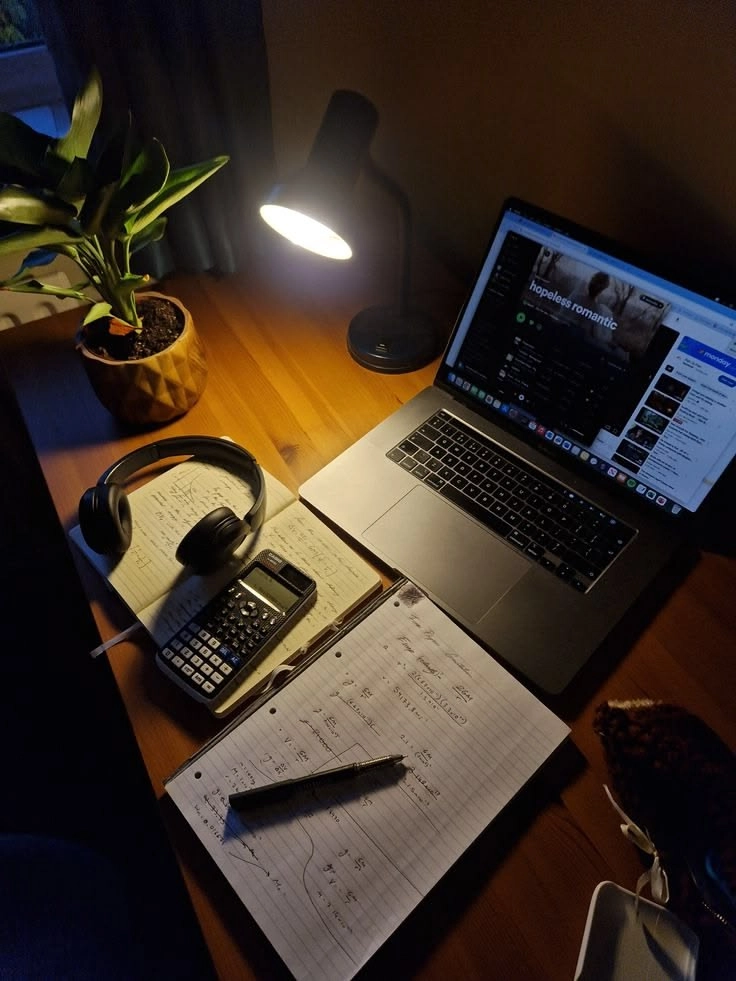
Minimizing ocular fatigue begins with a proper physical setup at the desk. Position your monitor an arm’s length away, with the top at or slightly below eye level. This viewing angle reduces stress on ocular muscles and limits tear evaporation.
Proper lighting mitigates the harsh contrast that forces your pupils to dilate unnecessarily. Avoid placing your workstation directly in front of bright windows or under intense overhead fixtures. Instead, opt for ambient, diffused side-lighting.
Finally, calibrate the internal display settings of your digital devices. Increase text size to prevent slouching, and warm up color temperatures during evening hours. Anti-glare screen protectors can also scatter reflecting light for a smoother experience.
Daily habits that protect your eyes from screen fatigue

The best defense against digital fatigue is taking disciplined, structured breaks. Incorporate the 20-20-20 rule by setting a recurring timer on your desktop. Every twenty minutes, look at an object twenty feet away for twenty seconds.
Consciously forcing yourself to blink frequently actively restores the tear film. Deep concentration halves our blink rate, causing a dry, gritty sensation. Keeping preservative-free artificial tears at your desk provides immediate relief.
Ultimately, digital eye care requires routine professional checkups. Annual exams ensure minor prescription imbalances are corrected specifically for computer distances. Managing your vision proactively allows you to navigate a screen-heavy lifestyle comfortably.
Frequently Asked Questions
There is no conclusive evidence that blue light causes permanent blindness, but blocking lenses can significantly reduce glare, improve contrast, and protect your sleep cycle.
Preservative-free eye drops can safely be used four to six times a day, or whenever your eyes begin to feel dry, scratchy, and fatigued.
When your eyes become excessively dry, the nervous system occasionally triggers a reflex response that floods the eye with low-quality, watery tears that evaporate too quickly.
Dark mode can reduce glare and improve comfort in low-light environments, but reading light text on a dark background can sometimes cause a halo effect for people with astigmatism.
Digital eye strain is entirely temporary, and its symptoms generally dissipate shortly after you step away from screens and rest your eyes.

Recommended Video